Setting values in the bot's memory
This functionality allows you to commit values to a dialog.
Create an action to set a value in the bot's memory
6
Last updated
This functionality allows you to commit values to a dialog.
What's it for?
The values at the dialog are fixed when there is a restriction on history transfer, but there is important data that needs to be saved so that you don't get it again in the dialog, for example:
Client Name;
Phone;
Order number;
Any other transaction details.

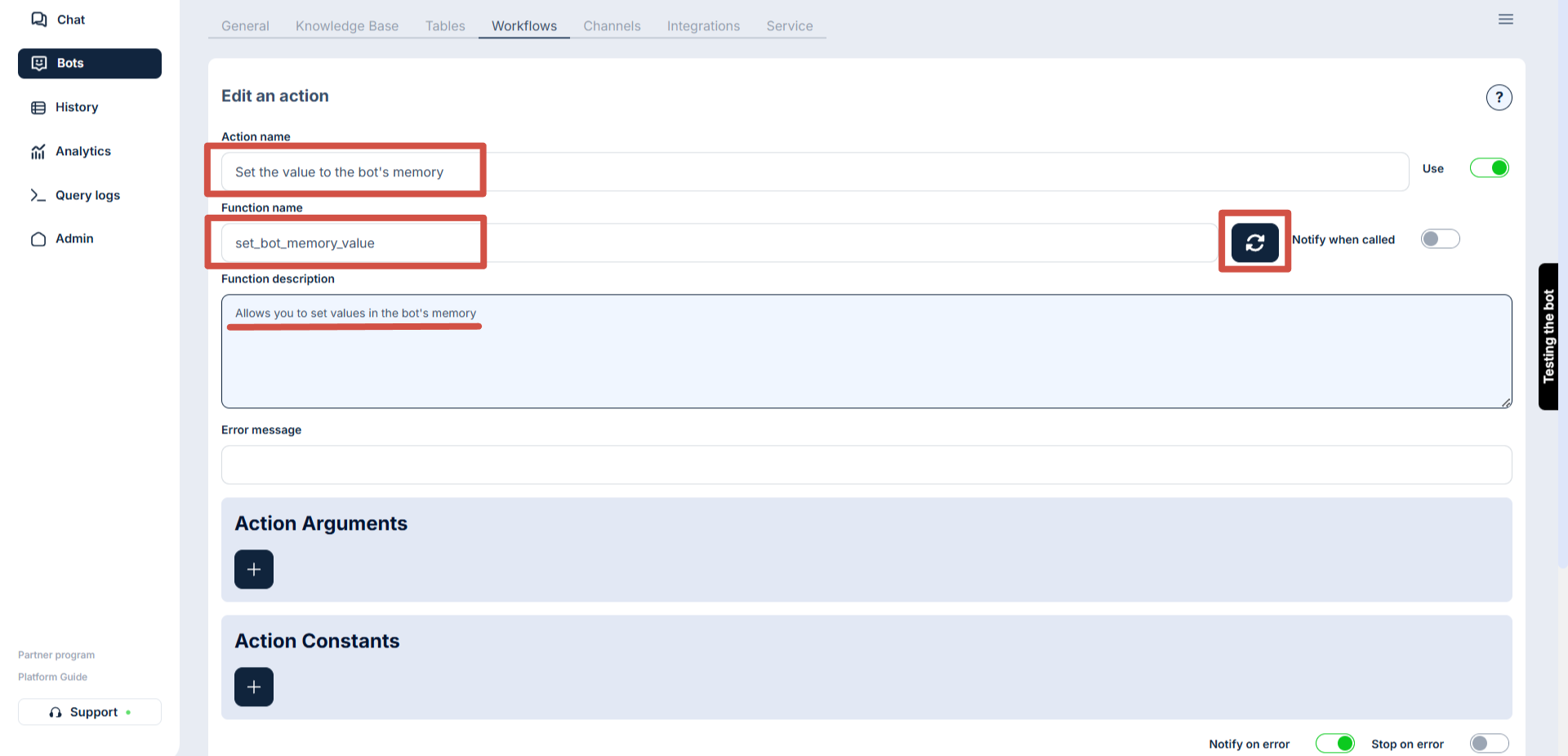
Name of action
Display name, by which you can easily identify the desired action in the general list.
Function name
Must describe the main meaning of the action.
Only English characters and underscores are allowed (_)
Function description
A description of what the action will do
Error message
This text will be returned to the bot in case of an error. It is recommended to write something like “An error occurred” there
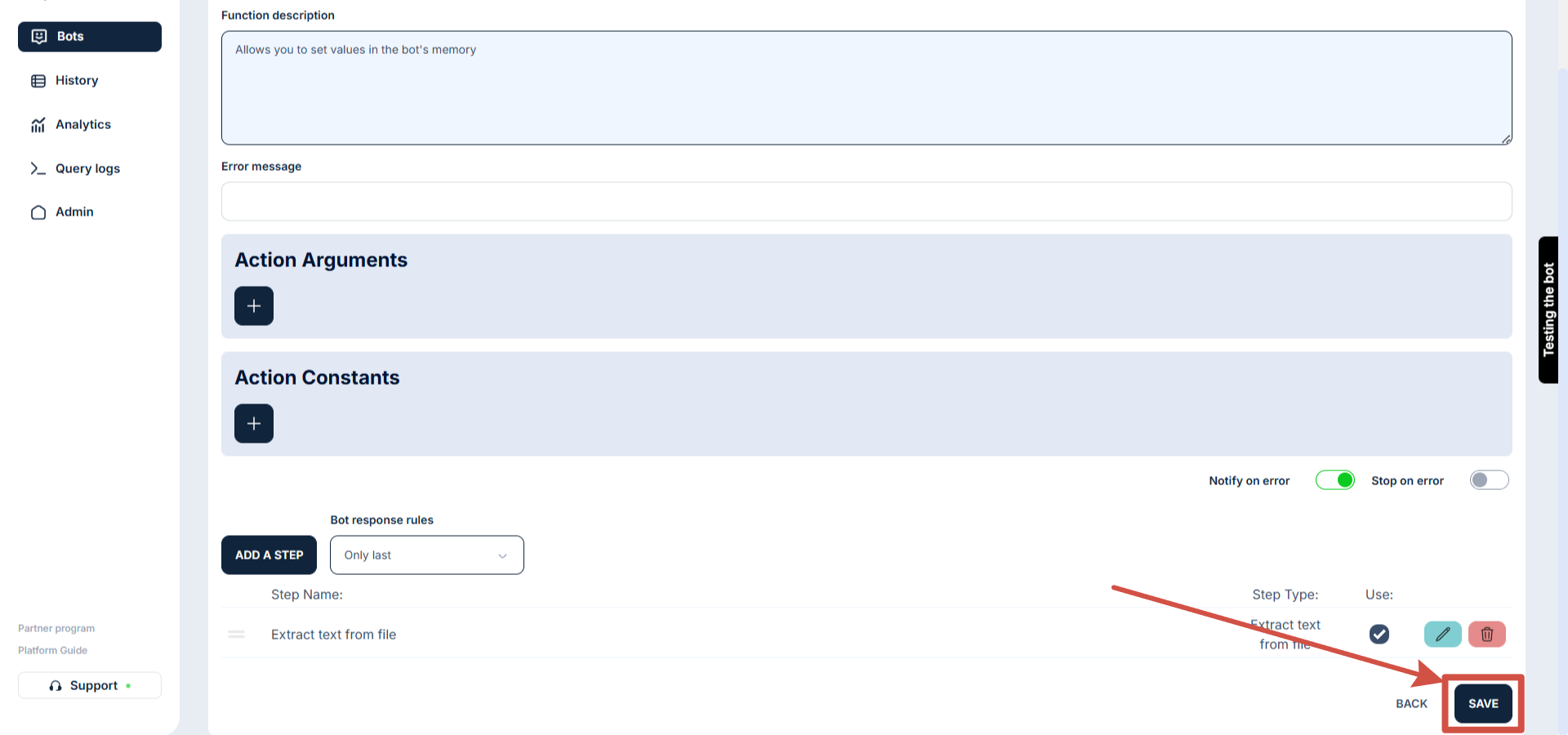
Rules for replying to a bot
Several webhooks can be called or other functions can be performed within one action.
With this setting, we have the ability to choose whether the response from the first step, the last step, or all steps will be passed to the bot.

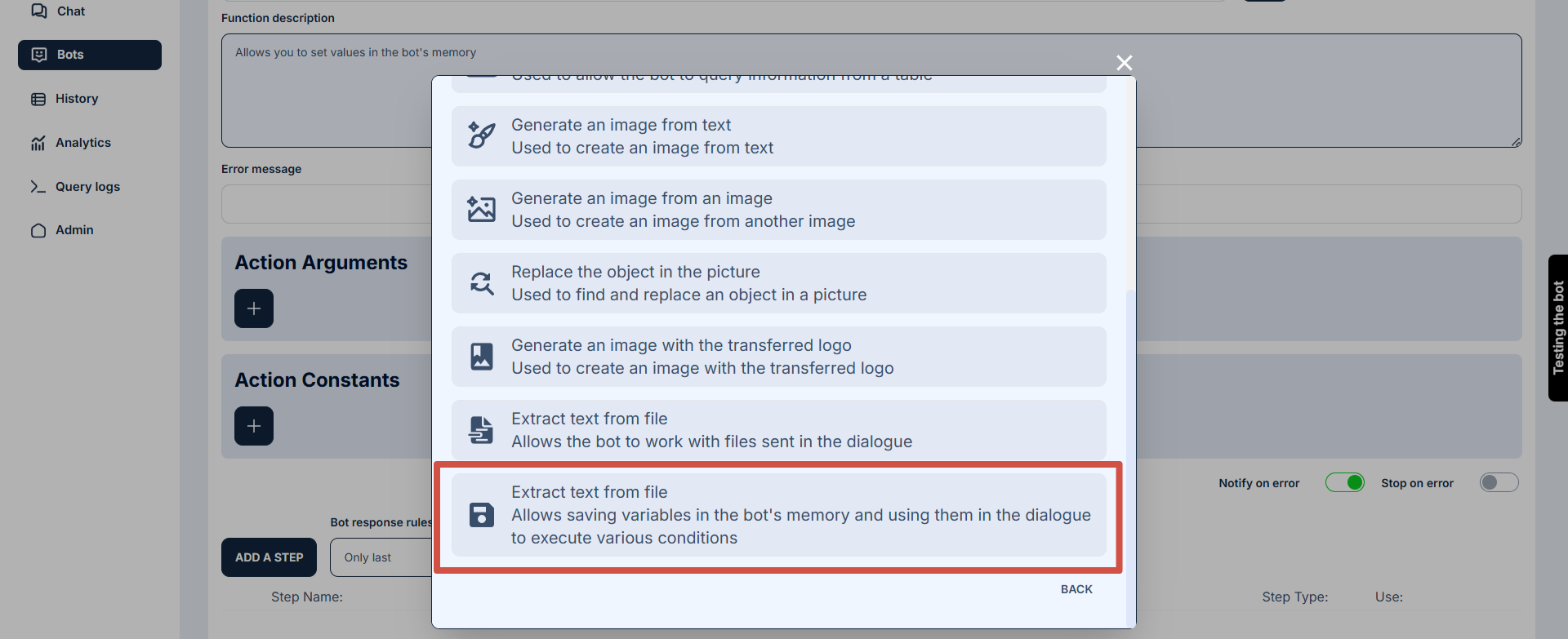
Name - is filled in automatically when selecting the step type.
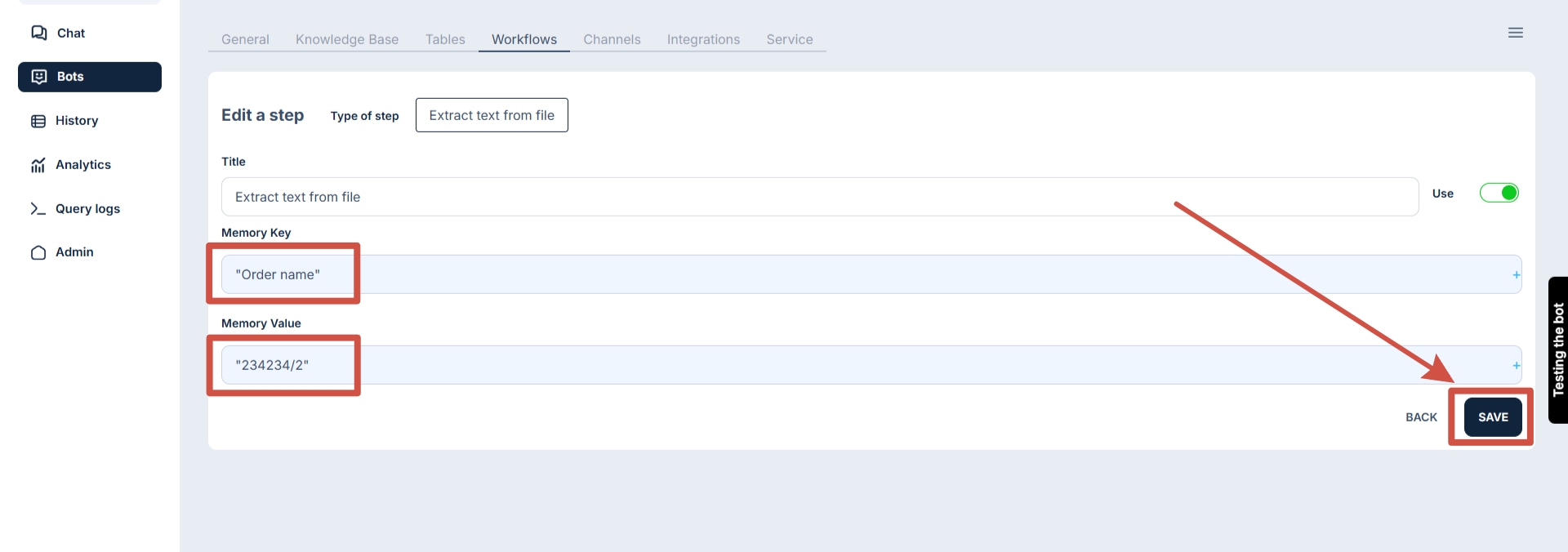
Memory key - this is some value by which the bot will search.
Value in memory - this is the data that will be fixed/saved to the memory key.
Last updated